
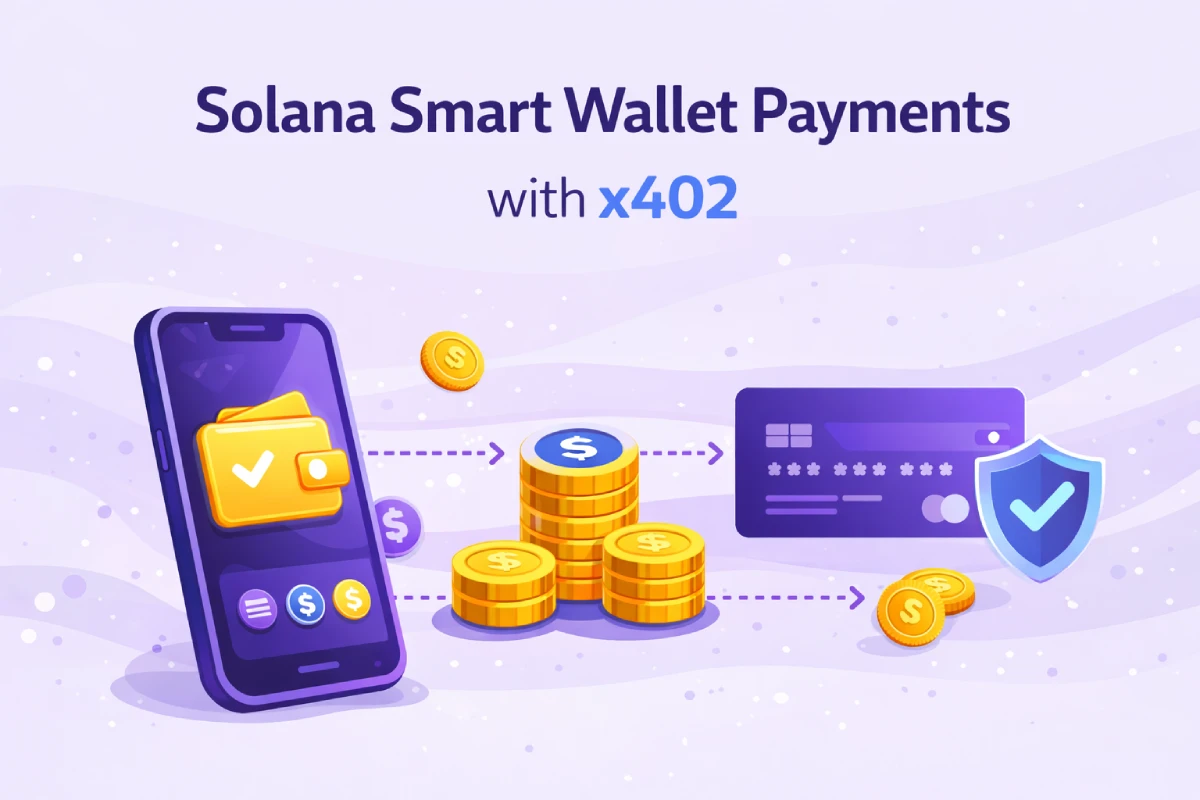
The x402 protocol enables HTTP-native micropayments - an API returns 402 Payment Required, the client signs and retries, and the server settles on-chain. Until now, most x402 integrations assumed a standard keypair wallet. With @relai-fi/x402@0.5.19, any Solana smart wallet works out of the box.
What Are Solana Smart Wallets?
A smart wallet is an account controlled by a program rather than a private key. Instead of a single keypair signing every transaction, the signing authority can be:
- A multisig threshold — e.g. 2-of-3 members approve every transaction (Squads Protocol)
- An MPC cluster — the private key is never held in one place (Crossmint, Privy, Turnkey)
- A session key with scoped permissions — time-limited or amount-limited signing (SWIG)
- A program-controlled PDA — on-chain AI agent treasuries, DAO spending wallets
How It Works with RelAI
The SolanaWallet interface in @relai-fi/x402 requires only two things:
interface SolanaWallet {
  publicKey: { toString(): string } | null;
  signTransaction: ((tx: unknown) => Promise<unknown>) | null;
}
This is the same interface as @solana/wallet-adapter. Every major smart wallet provider already implements it. The SDK calls wallet.signTransaction(transaction) and delegates all signing logic to the wallet itself — whether that means a CPI to the Squads program, an MPC threshold signature, or a SWIG session key verification.
The one technical detail: Associated Token Accounts for off-curve PDAs must be resolved with allowOffCurve: true. The SDK handles this automatically since 0.5.19 — no client code changes required.
Usage
Pass your smart wallet as wallets.solana — identical to a regular Phantom or Backpack wallet:
import { createX402Client } from '@relai-fi/x402/client';

// Works with Squads, Crossmint, SWIG, Privy, Turnkey, or any wallet-adapter compatible wallet
const client = createX402Client({
  wallets: { solana: yourSmartWallet },
});

const response = await client.fetch('https://api.example.com/protected');
const data = await response.json();
The React hook works identically:
import { useRelaiPayment } from '@relai-fi/x402/react';

const { fetch, isLoading, transactionUrl } = useRelaiPayment({
  wallets: { solana: yourSmartWallet },
});
No adapter layer, no wrapper, no configuration flags. If the wallet implements signTransaction, it works.
Supported Providers
| Provider | Type | Notes |
|---|---|---|
| Squads Protocol | Multisig PDA | n-of-m signing via CPI — works if vault has USDC ATA |
| Crossmint | MPC / embedded | Implements standard wallet-adapter interface |
| SWIG | Session key delegation | Scoped signing with time/amount limits |
| Privy / Turnkey | MPC custodial | Server-side signing — key never leaves MPC threshold |
| On-chain agents | Program-controlled PDA | Autonomous AI agent treasuries |
Why This Matters for AI Agents
AI agents running on Solana increasingly use program-controlled wallets — either a PDA owned by their program or a Squads multisig for treasury management. With smart wallet support, an AI agent can pay for API access autonomously, using its own on-chain wallet, without any human in the signing loop.
Agent PDA wallet -> x402 API -> RelAI facilitator -> SPL transfer -> content returned
RelAI covers gas (SOL for transaction fees), so the agent only needs USDC in its ATA. One token, one action, no infrastructure overhead.
One Requirement
The smart wallet's USDC Associated Token Account must exist on-chain before the first payment. For a Squads vault PDA, this means creating a USDC ATA for the vault address — any standard ATA creation tool works (spl-token create-account, Squads UI, or any on-chain ATA initializer).
Update to @relai-fi/x402@0.5.19 and check the SDK documentation for the full reference.